Your product photo studio. Tuned for you.
Orblo tunes a private AI package to your brand — your products, your materials, your backdrops, your aesthetic. Then you generate the full catalog yourself, edit on the fly, swap colors and scenes. No shoots, no shared presets — just tokens you spend as you go.
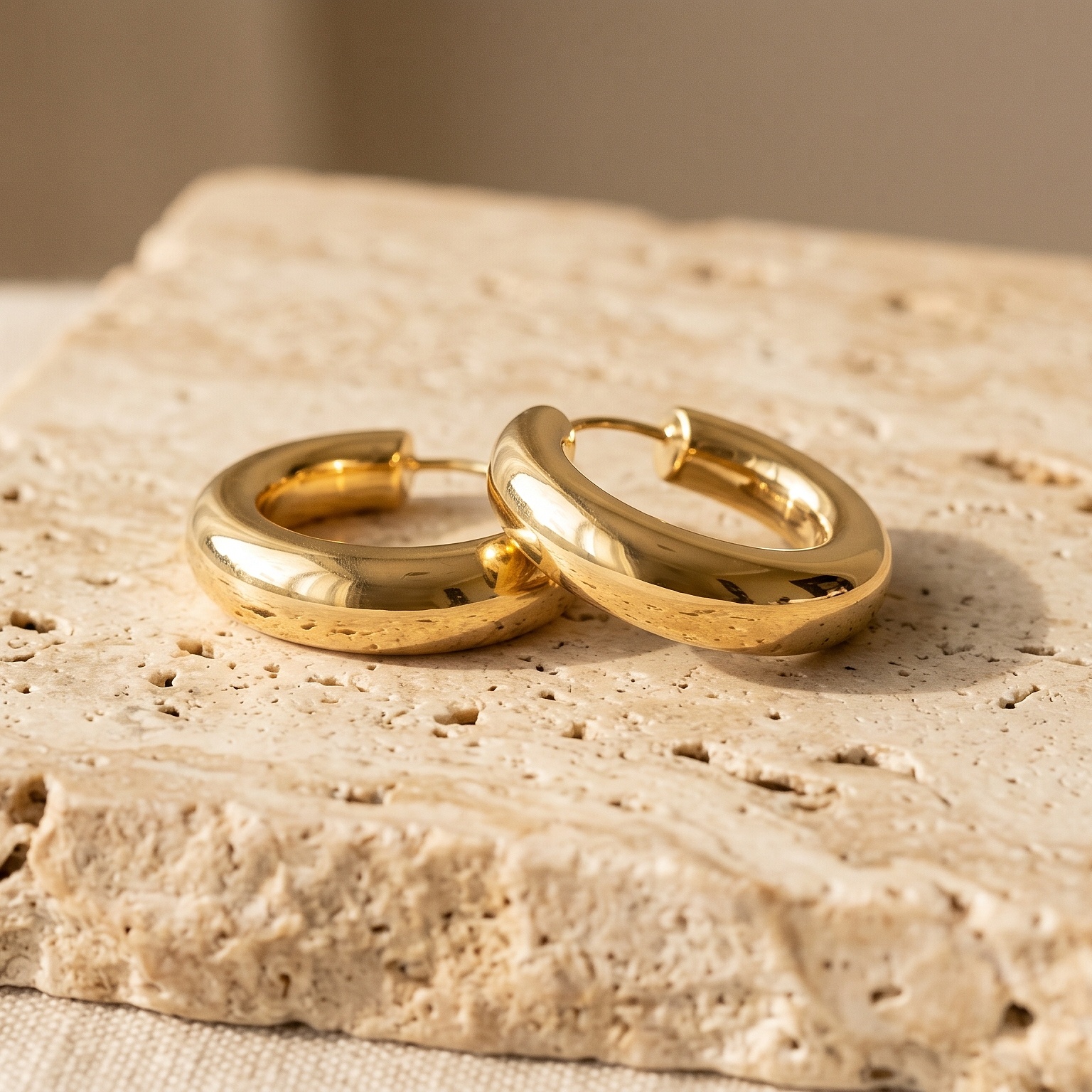
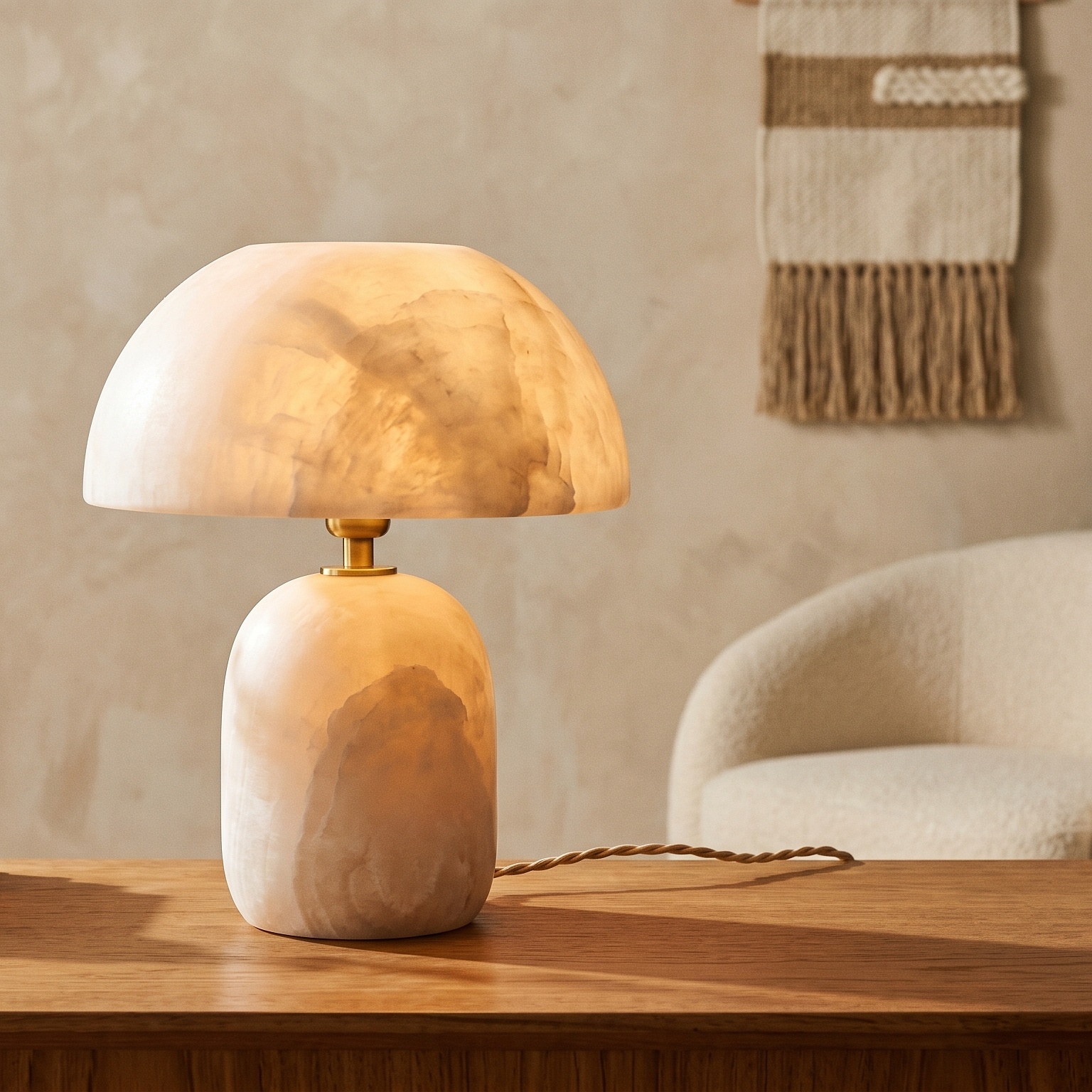
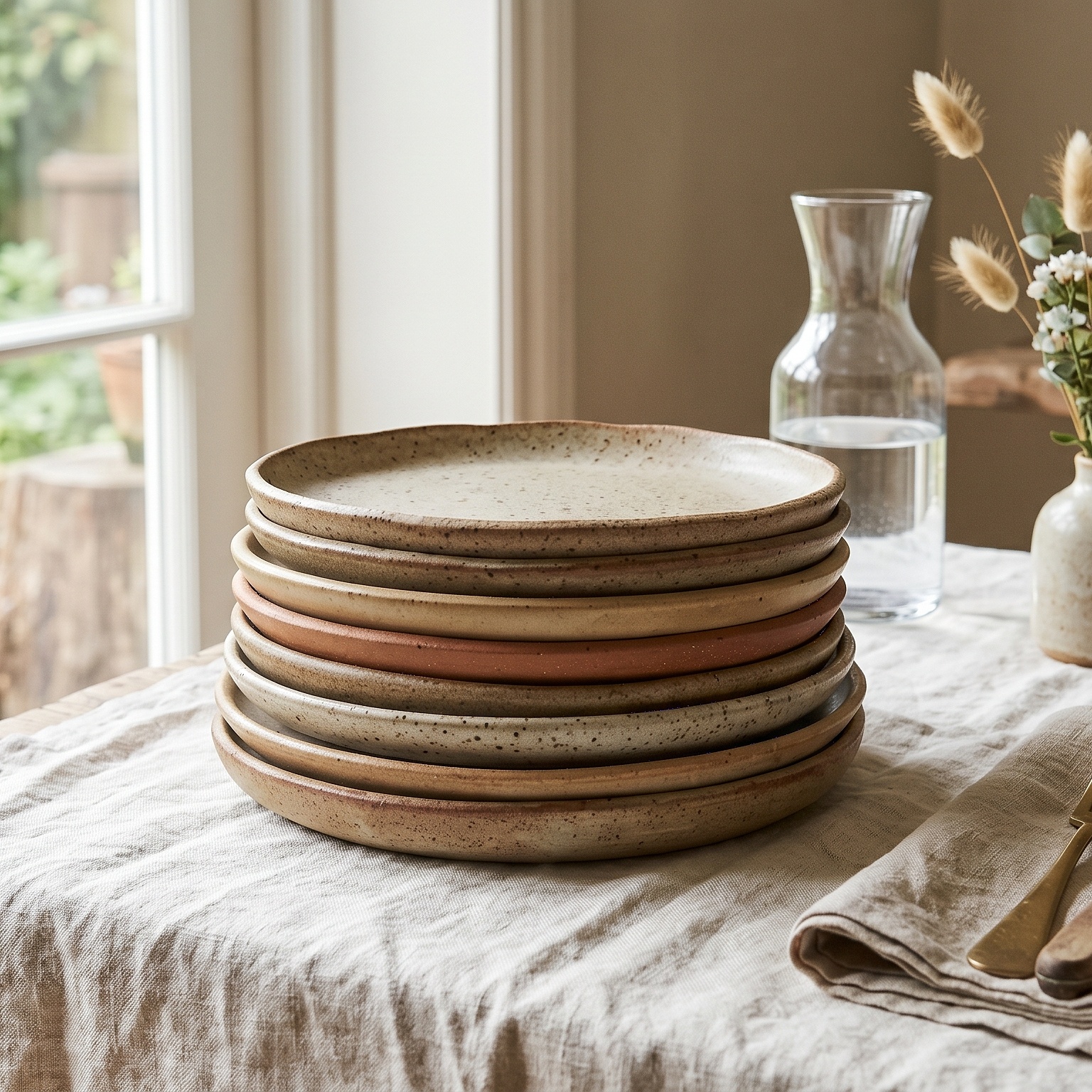
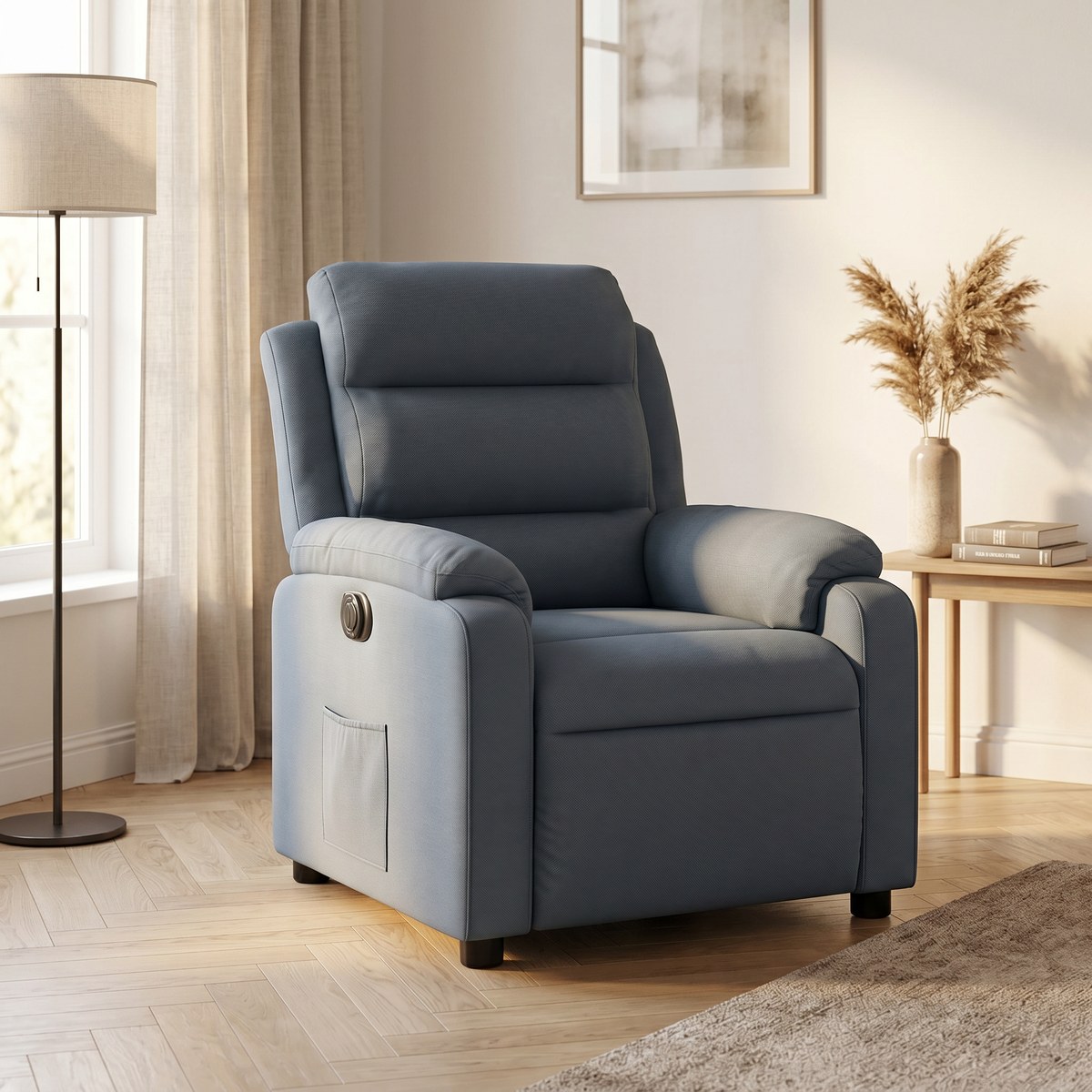
See it work
A walk through the studio — what it does and what you get.
What you do, what you get
No shoots, no agencies — just tokens you spend as you go.
You do this
Upload a reference photo
One plain shot of your product is enough — even straight from your phone. No lightbox, no tripod, no editing first.
Choose the look
Pick the background, lighting, scene and colour you want. Want something specific? Type it straight into the prompt box in the studio — no trip to Settings needed.
Generate
One click. Re-run it as often as you like — generations are unlimited, and you are never charged per image.
You get this back
Four studio shots per product
Each from a different camera angle, so a listing gets a full set instead of one hero image.
Up to 4K, publish-ready
Straight onto a product page, a marketplace listing or an ad. Material, colour and proportion stay true to your reference photo.
Your whole catalog, in one batch
Batch mode takes as many products as you want in a single run and hands the results back as one ZIP. You own every image you generate.
From packages Orblo has tuned
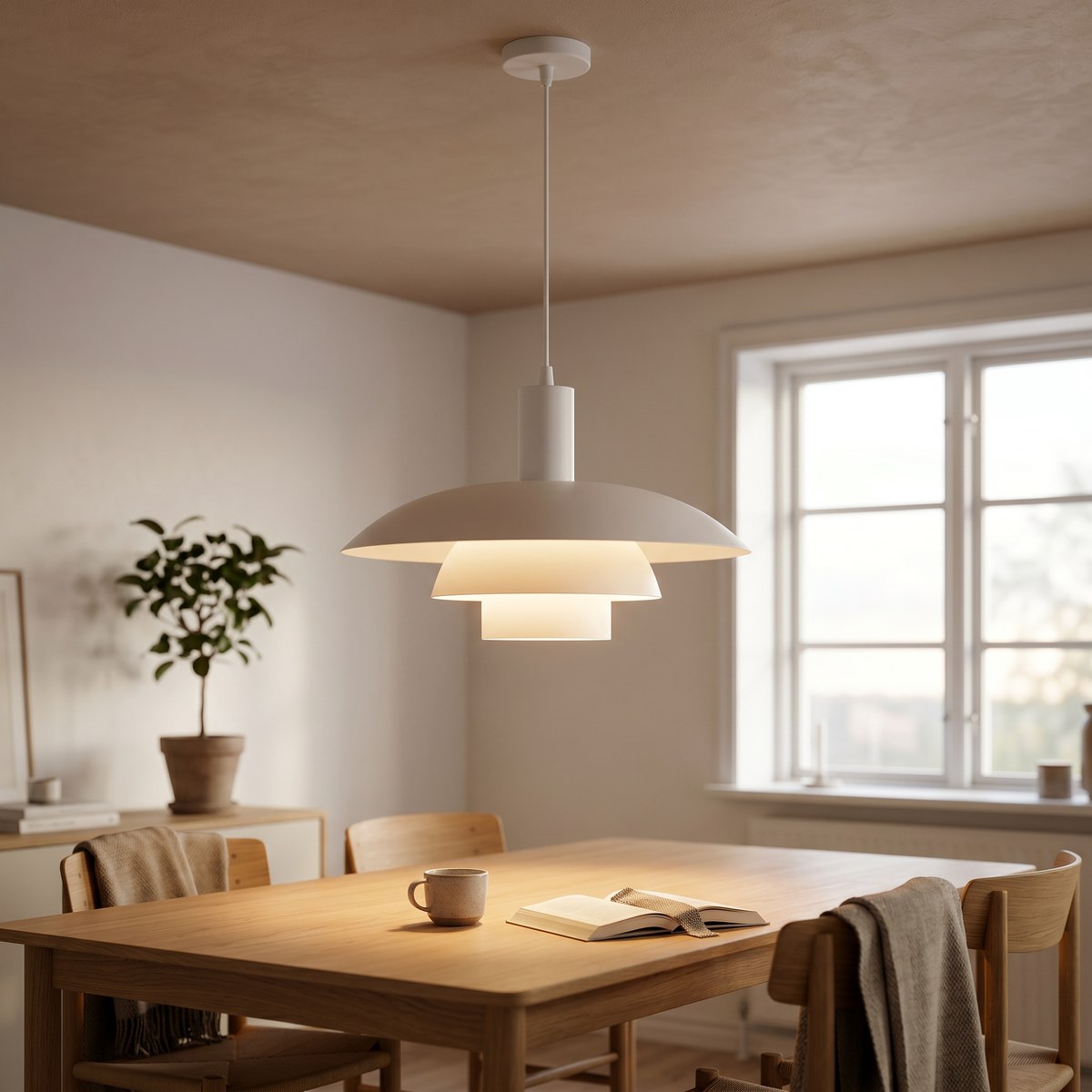
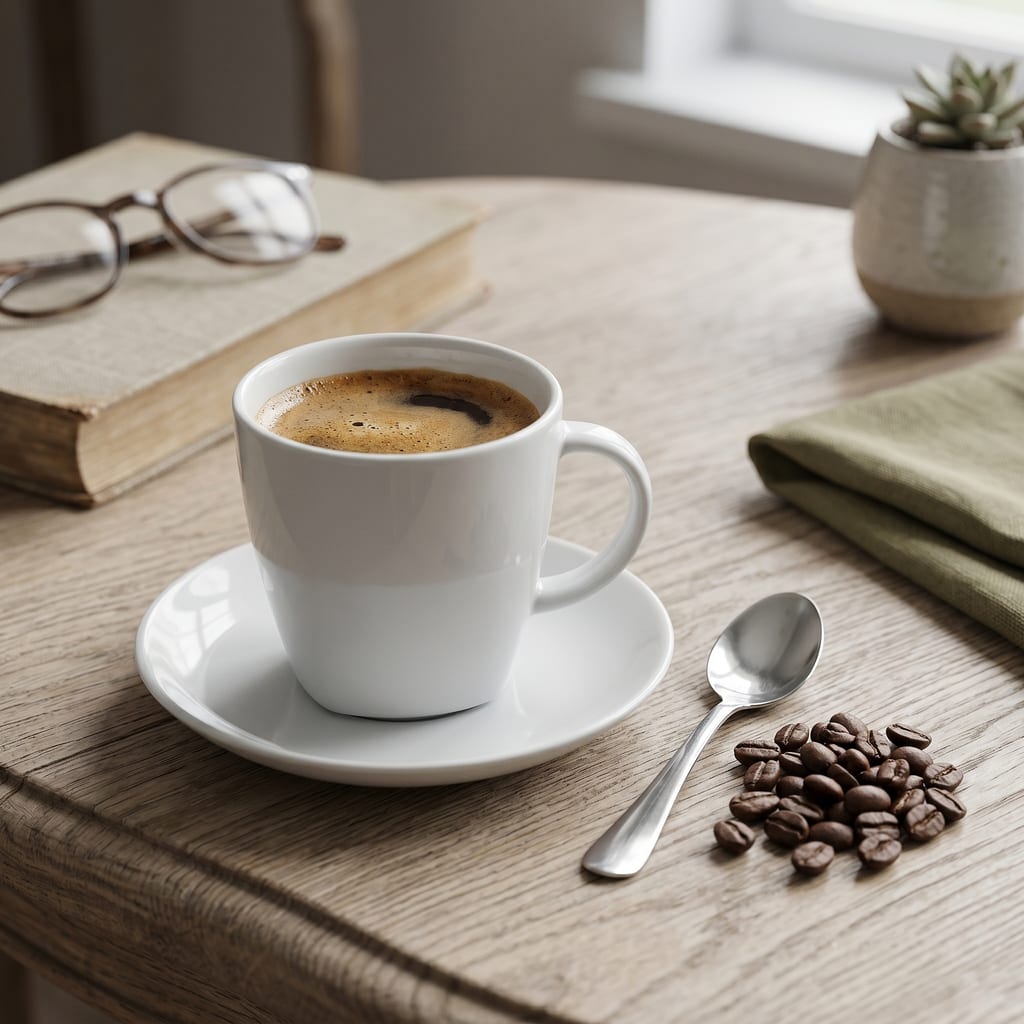
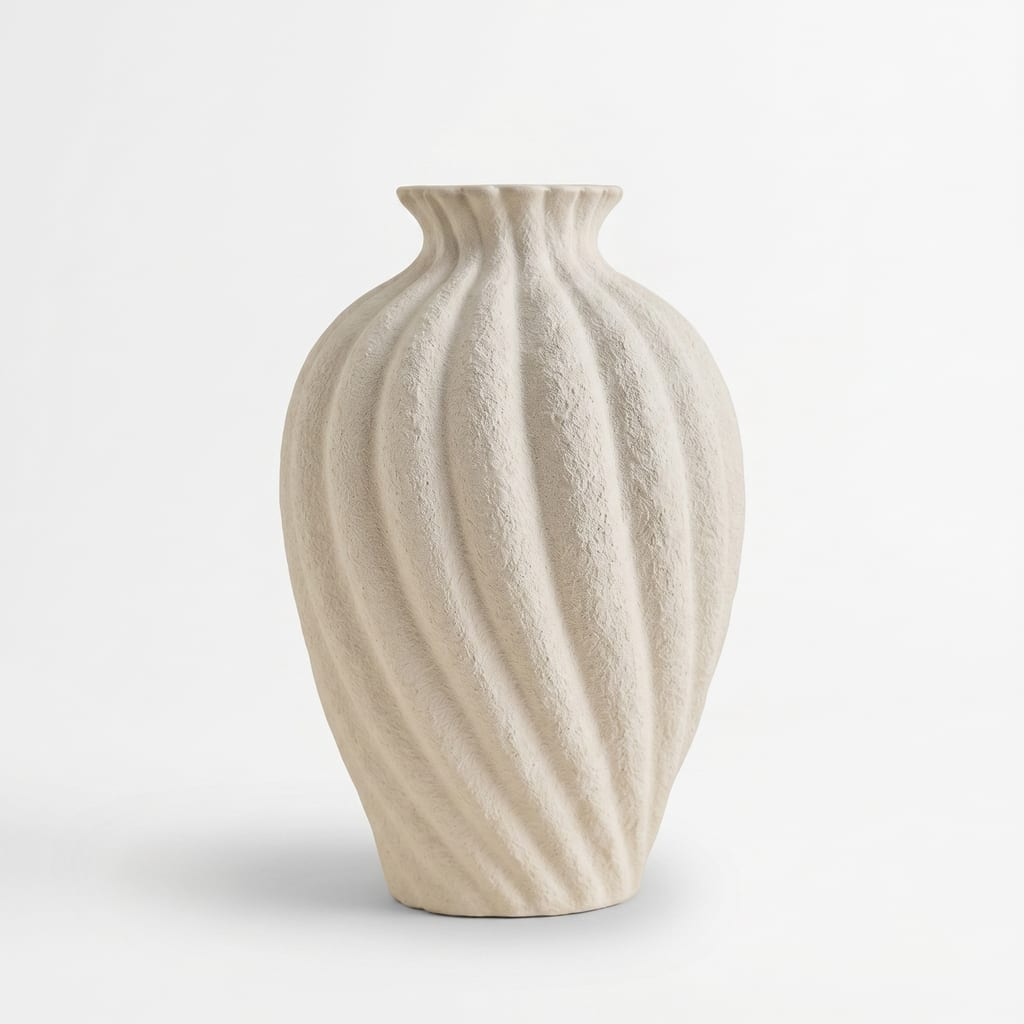
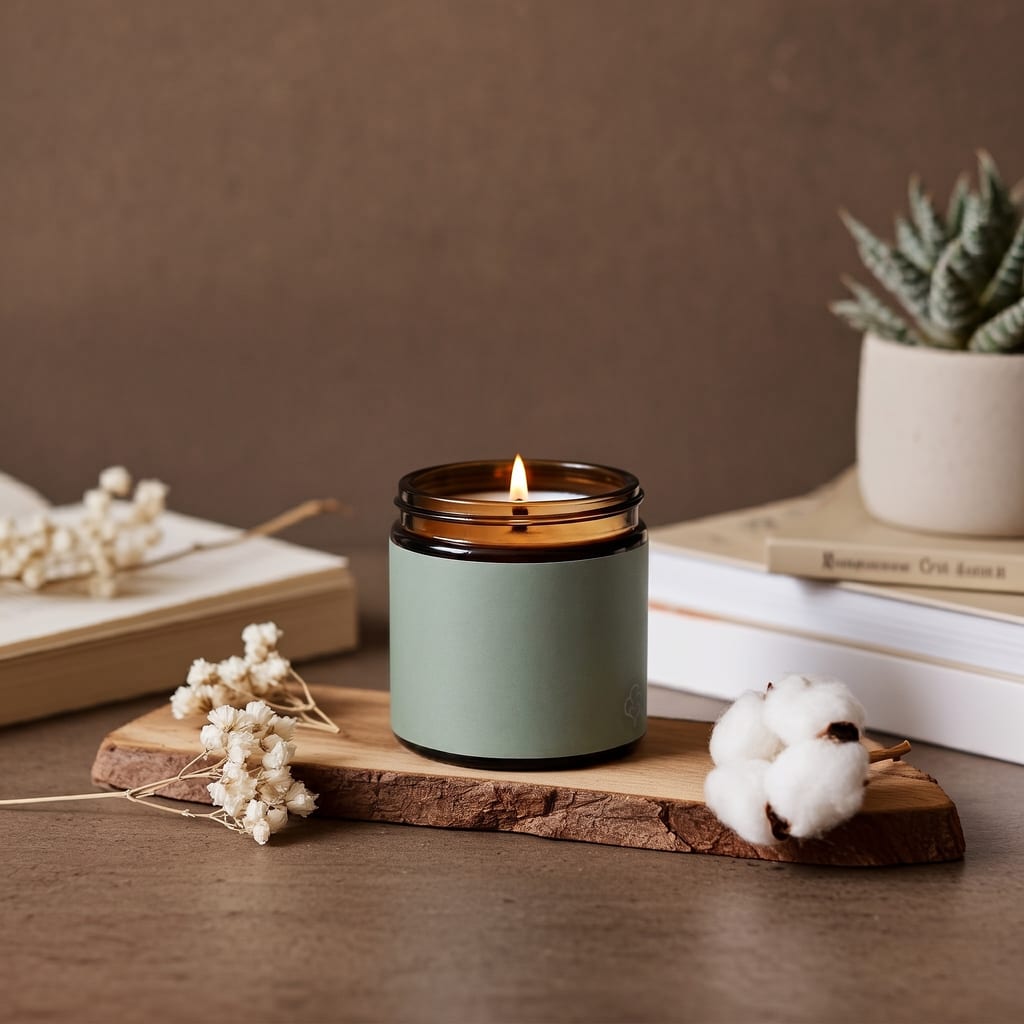
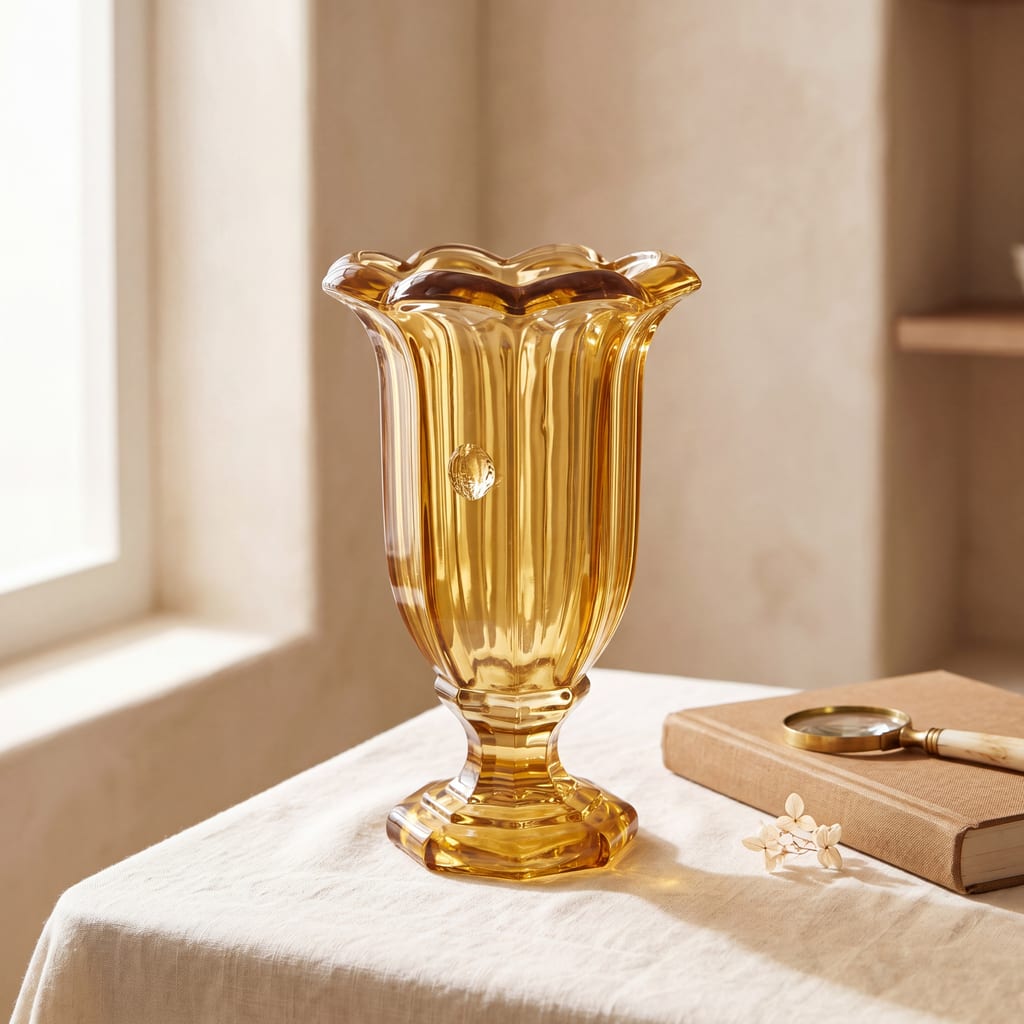
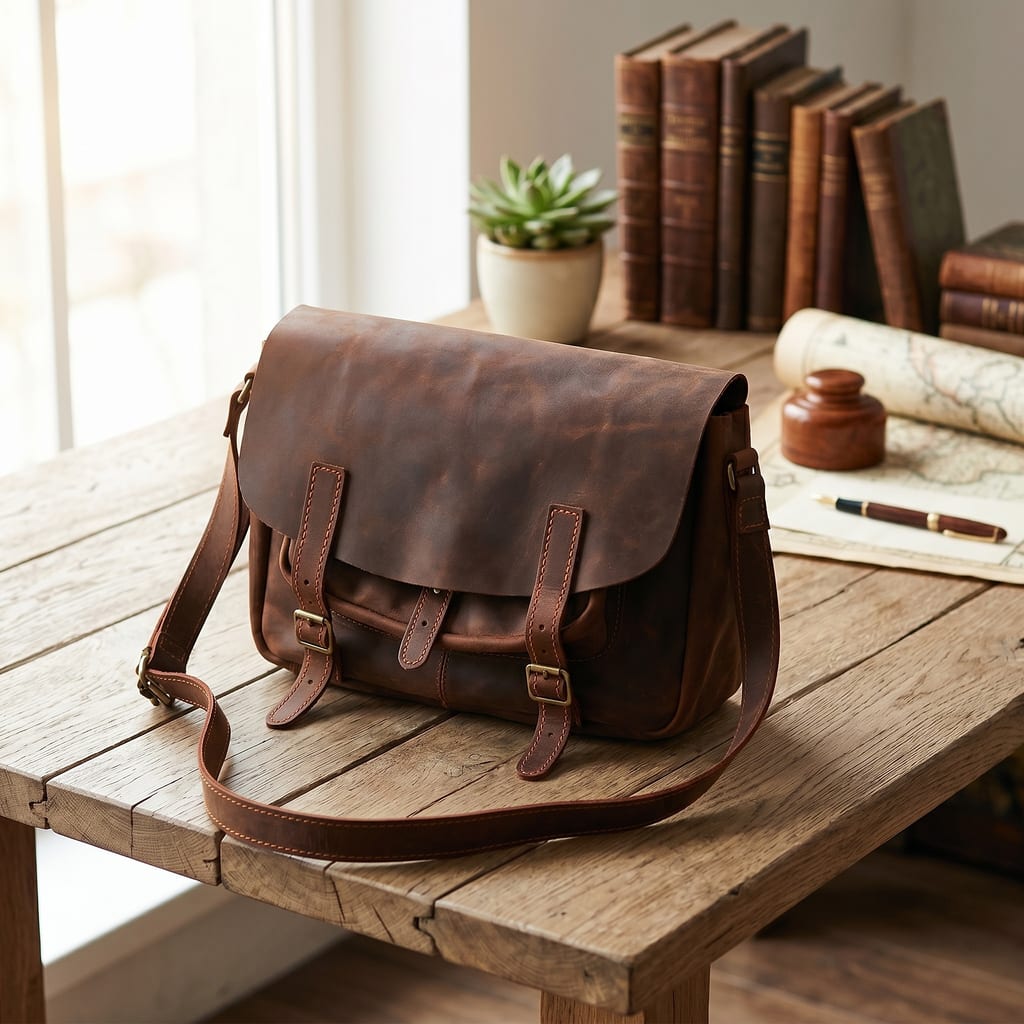
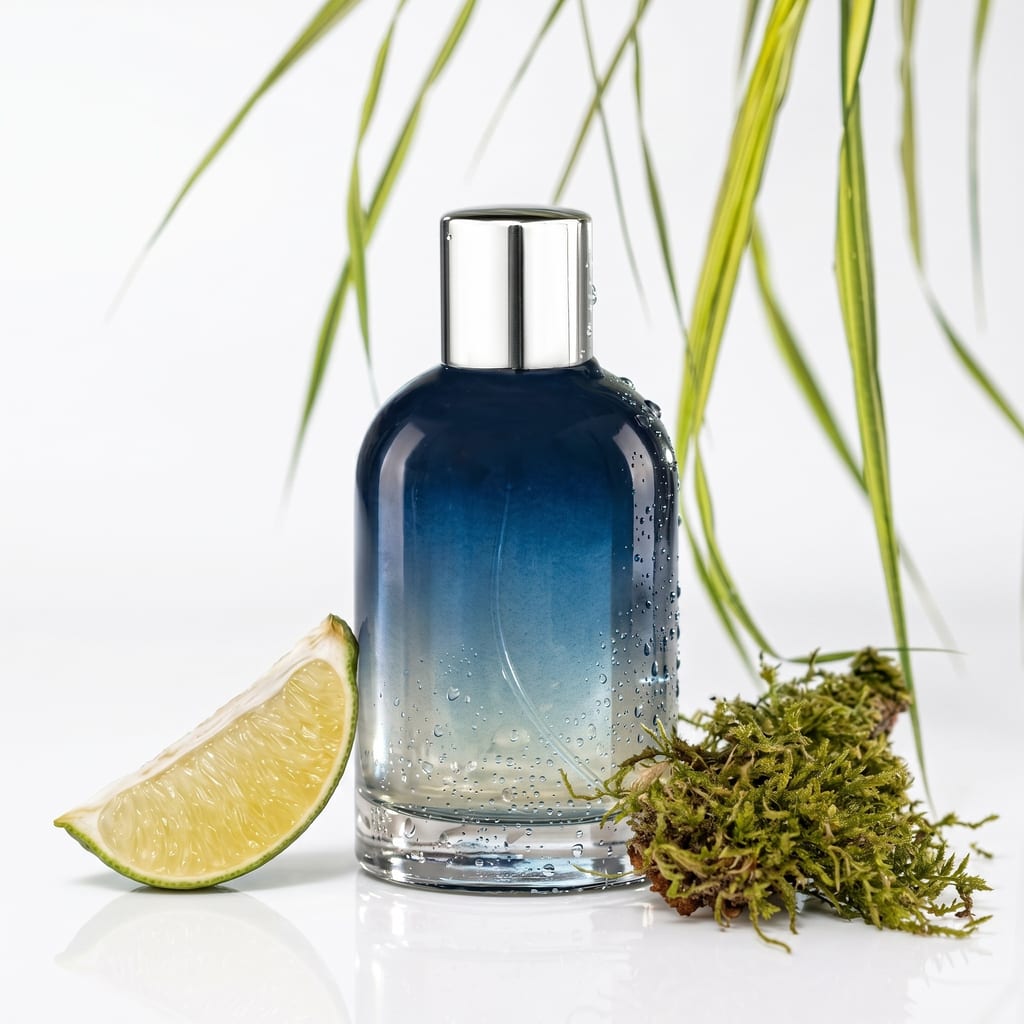
What sets Orblo apart
Yours alone
Your package is private. Tuned to your brand, served to you, never shared with another brand. Ever.
Material-true
Category-aware foundation. Wood looks like wood, leather like leather, fabric like fabric, gold like gold. Generic AI flattens textures — Orblo doesn't.
Every angle
One package covers every angle you need — clean, catalog-ready product shots from multiple views. Ready to publish straight to your shop.
Edit on the fly
Swap colors, change scenes, re-shoot a SKU — without a real shoot. Catalog updates that used to take weeks happen in minutes.
Get started — 7-day free trial.
Card required — cancel anytime before day 7, pay nothing
Pro
- Unlimited generations
- 4 customizable shots per product
- Up to 4K resolution
- Unlimited batch mode + ZIP export
- Custom prompts + colors
7-day trial, then billed automatically unless you cancel first
Common questions
What is Orblo?
Orblo turns a plain product photo into clean, catalog-ready product shots. You upload a reference photo of your item, and Orblo generates four studio-grade images of it from different camera angles — no photo shoot, no studio booking, no per-image fees.
What do I need to do?
Three things: upload a reference photo of your product, choose the look you want (background, light, scene and colour), then click generate. That is the whole loop. You can re-run it as many times as you like — generations are unlimited on every plan.
What do I get back?
Four finished product shots per product, each from a different angle, at up to 4K resolution. They are publish-ready for a shop, a marketplace listing or an ad. You own the output and can use it commercially.
Do I need my own AI API key?
Yes — Orblo runs on your own Google Gemini API key, which you paste once in Settings. That is deliberate: you pay Google directly for generation at cost, and Orblo never adds a per-image markup. It also means your generation volume is never capped by us.
How much does Orblo cost?
$59 per month, or $59 per month billed annually. One plan includes everything: unlimited generations, four shots per product, up to 4K resolution, batch mode with ZIP export, and custom prompts. Gemini API usage is billed to you by Google, separately and at their rates.
Is there a free trial?
Yes — a 7-day free trial with full access to every feature. You are not charged during the trial. If you cancel before it ends you pay nothing; if you do nothing, the subscription starts automatically when the trial ends.
Can I cancel any time?
Yes. Cancel in Settings → Billing, which opens our payment provider's portal. Cancelling stops all future charges, and your access continues until the end of the period you already paid for. Your past generations stay available read-only.
Which product categories does Orblo work with?
It is built for physical consumer goods — furniture, lighting, decor, fashion and jewelry are the core categories. It works best on a single, clearly photographed object. It is not intended for people, food photography or scenes with many separate products in one frame.
Can I control the prompts myself?
Yes. There is a prompt box right in the studio for a one-off tweak, so you can steer a shot without leaving the screen. The saved prompt behind each of the four shots is editable too, in Settings → Prompts. The defaults are a category-aware starting point, not a locked preset.
Is my product photography kept private?
Yes. Your uploads and your prompt setup are yours alone and are never shared with another brand or used to build a shared preset. Photos are processed to generate your images and for nothing else.
Can I process a whole catalog at once?
Yes — batch mode takes many products in one run with no cap. You add them by dropping a folder, where each subfolder counts as one product, or by picking image files directly. A ZIP archive is not accepted as input, so unpack it into a folder first. The finished shots come back as a single ZIP download.
How is Orblo different from a generic AI image tool?
A general-purpose image model tends to flatten material: wood stops reading as wood, leather loses grain, metal goes plastic. Orblo's prompt foundation is category-aware, so material, colour and proportion stay true to the reference photo you uploaded — which is the difference between an image that looks impressive and one you can actually put on a product page.